Icon archaeology
A vibe-coded love letter to the vintage Macintosh aesthetic
You don’t need permission to build
Pinterest used to be great. Then it became an ad delivery platform that sometimes shows you pins. Notion started as a blank canvas and became an enterprise sales funnel. Every tool you love will eventually be ruined by the people who fund it.
You know this. I know this. We keep using them anyway because what’s the alternative?
Build the alternative.
(notes - what does this have to do with the argument?) journey over destination
A basement Mac and a thousand folder icons
I wanted a place to collect inspiration. Not Pinterest-inspiration, where an algorithm decides what’s relevant. Real inspiration — the kind that connects what I made last Tuesday to what I’m thinking about today. A creative journal that shows me how I’ve evolved.
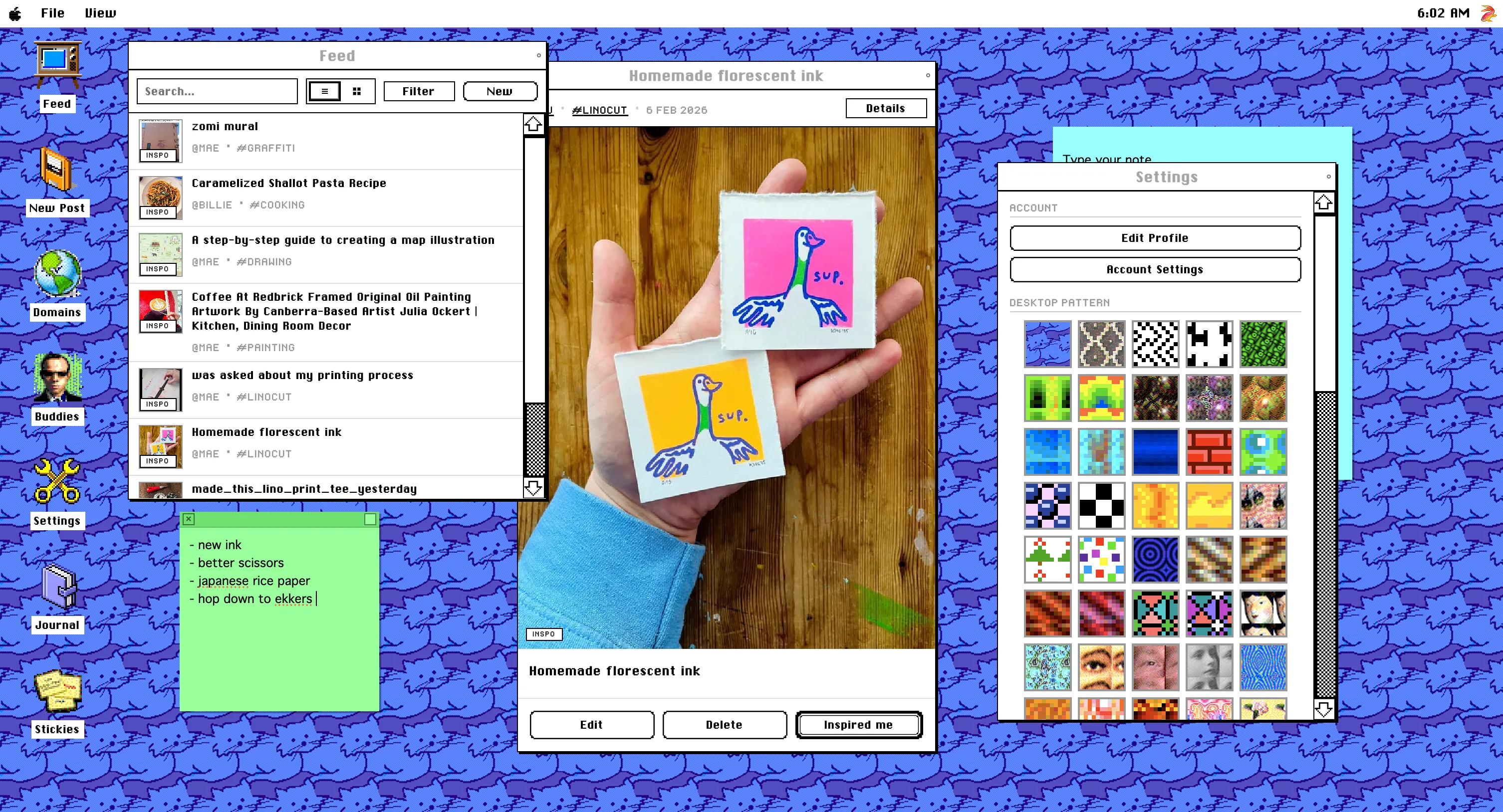
So I started building one. An app called Inspo Space with a deliberate aesthetic choice: classic Mac OS. Not because retro is trendy, but because my dad’s old PC in the basement was a magic portal into another world, and that feeling deserved to be the foundation of a creative tool.
(talk about inspo space)
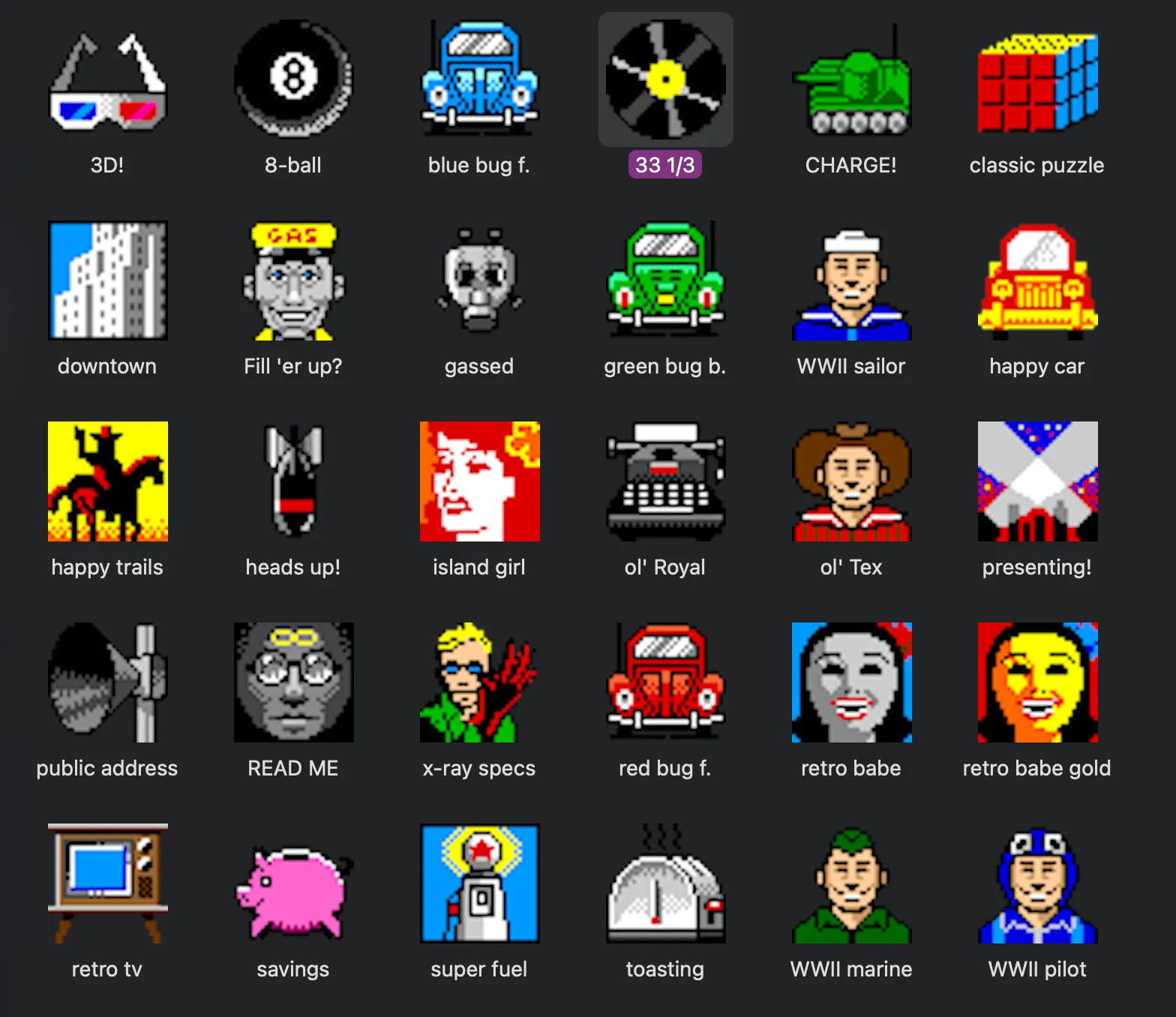
The retro direction led to macrepository.org, a treasure trove of vintage Mac folder icons — thousands of them, lovingly collected by people who cared about this stuff when nobody was paying them to. Tiny 32×32 pixel art masterpieces from the late 90s and early 2000s. Juice glasses and spaceships and Japanese characters and golden chalices, each one hand-crafted in 256 colours.
One problem: they were locked in Mac resource forks. Icon\r files — yes, with a literal carriage return in the filename, because classic Mac OS was delightfully unhinged. The icons were stored as icl8 resources with ICN# masks, encoded in the Mac OS 8-bit colour palette. A 6×6×6 colour cube with ramps for reds, greens, blues, and greys. Beautiful in its constraints. Completely useless on the modern web.
The snowball
So I wrote a Python script — with Claude’s help — to crack open those resource forks and extract transparent PNGs. Then I had 16,825 icons and no way to find anything because the filenames were things like Icon Collection--gldglb.png.
So I wrote another script. This one used vision AI to examine each icon, describe what it depicted, and assign semantic tags. Categories like food, character, hardware. Vibes like cheerful, mystical, fierce. Dominant colours extracted from the actual pixels.
Then I needed a way to search those tags. And filter by multiple dimensions simultaneously. And combine categories with colours with vibes.
So I built that too.
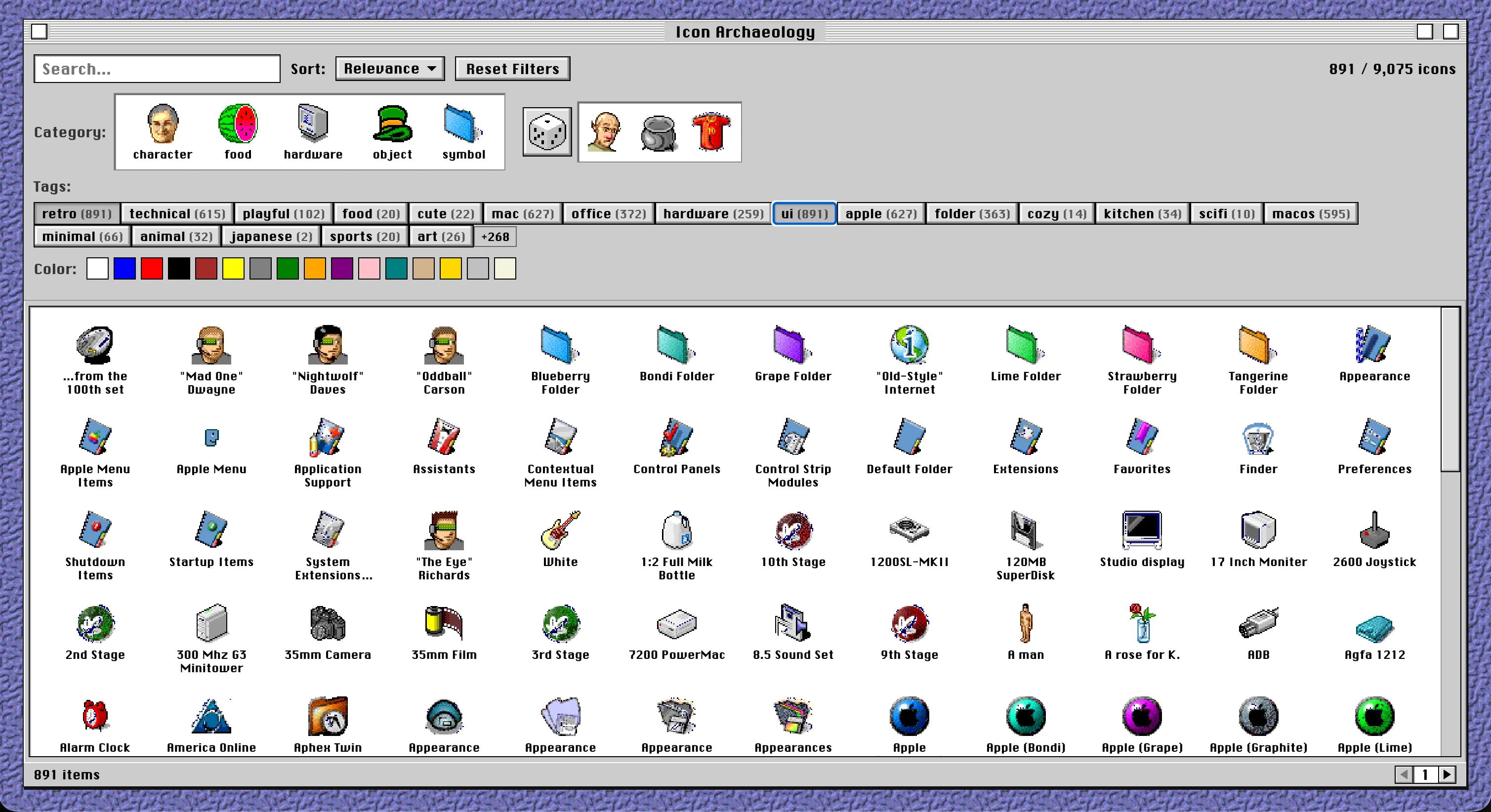
The result is Icon Archaeology — a fully functional search interface for 25,000 catalogued vintage Mac icons, rendered in a pixel-perfect Mac OS 8 window, complete with Chicago font, bevelled buttons, and custom scrollbars. The whole thing is a single HTML file with vanilla JavaScript. No React. No build step. No node_modules.
The stack that isn’t
Here’s what Icon Archaeology doesn’t use:
- a frontend framework
- a CSS library (every bezel, every scrollbar track, hand-written)
- a database (a 321KB JSON file serves 9,075 records just fine)
- a search service (multi-field relevance scoring in ~40 lines of JS)
- an image CDN (66MB of PNGs on Netlify’s free tier)
- a design system package (CSS custom properties for the window bezel shadows)
The extraction pipeline is equally restrained: Python with rsrcfork for reading resource forks, Pillow for image processing, imagehash for perceptual deduplication. The deduplication uses a 16×16 average hash to catch visually identical icons stored under different names — no pixel-perfect comparison needed.
The metadata enrichment happens in layers. Basic extraction from filenames. Then collection-based theming from folder patterns. Then description-based vibe tagging. Each layer only adds, never removes. You can run it incrementally as new collections appear.
”I have no coding skills”
I’ll be transparent: I have no coding skills. I have product instincts and design taste and a Claude account, and now I’m dangerous (like everyone else).
But the extraction script handles Mac resource fork formats correctly. The deduplication uses perceptual hashing. The search implements tiered relevance scoring. The filter UI dynamically updates available counts and dims impossible combinations. None of this is trivial. All of it works. I can describe what I want with enough clarity that the tools help me get there, and I can look at the output and know whether it’s right.
That turns out to be enough.
The random button

My favourite detail: there’s a dice button that serves three random icons from the entire collection. I now use this as a creative prompt generator — roll the dice, see what the universe of vintage pixel art offers you, and make something inspired by it.
I didn’t plan this feature as a creative catalyst. I built a tool, used the tool, and the tool taught me what it wanted to become next.
The point
I didn’t build Icon Archaeology because there’s a market for vintage Mac icon browsers. I built it because those icons mattered to me, and the act of excavating them — cracking open resource forks, cataloguing pixel art, building a search interface in the aesthetic I love — was itself the creative practice I was trying to cultivate.
Twenty five thousand icons, extracted from obsolete file formats, tagged by AI, searchable through a hand-built interface that looks like it runs on System 7.5. Deployed for free.
The basement Mac would be proud. (Journey over destination, snowball, make it yourself, be a product owner?_